How to Show Shopify Stock by Location on Product Pages
Show real-time inventory for each store, warehouse, or pickup point on your product pages so shoppers know where items are in stock—before checkout or a support call.
Plans from $4.99/month · 7-day free trial · No coding required
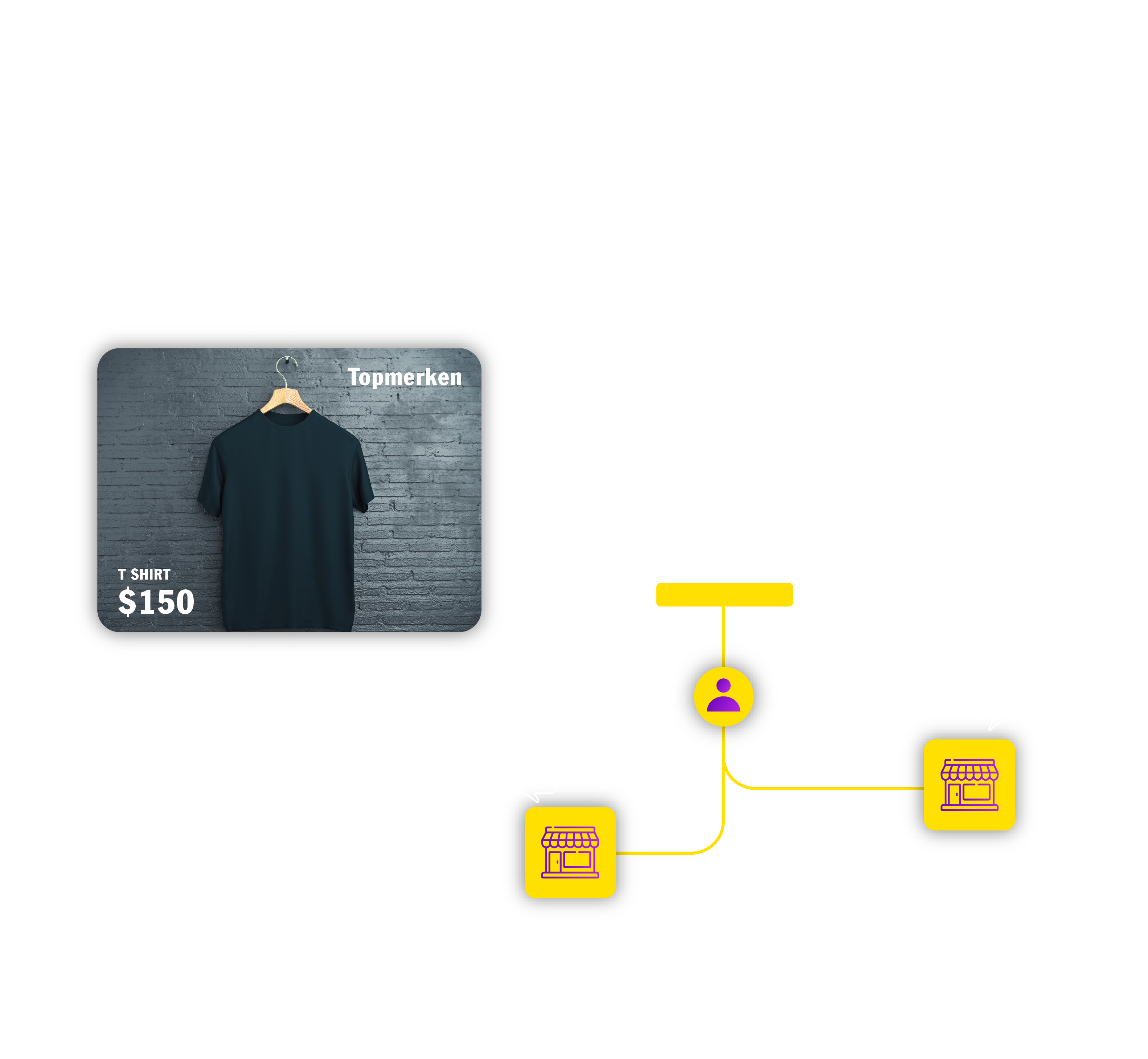
Why customers ask which location has stock
If you run multiple stores, warehouses, or pickup points, shoppers expect to know where a product is available before they buy or visit.
- Pickup fails when customers choose a location that has zero stock.
- One global “In stock” label hides that only one branch has units left.
- Support teams answer “Do you have this at Downtown?” all day.
- Retail chains miss in-store visits when shoppers cannot see the nearest branch with stock.
What Shopify does natively—and where it stops
Shopify Locations is your system of record
Shopify handles multiple locations, per-location inventory, fulfillment, and local pickup in admin. That is essential—but it does not automatically list each location’s stock on your product page.
Shopify supports:
- Multiple locations and per-location quantities
- Fulfillment and local pickup per location
Storefront gaps merchants hit:
- No per-location stock list on the product page by default
- No “shop from this store” before checkout
- Pickup availability often appears late in checkout, not on the PDP
To show Shopify stock by location where shoppers decide, you need a storefront layer—typically an app embed and app block.
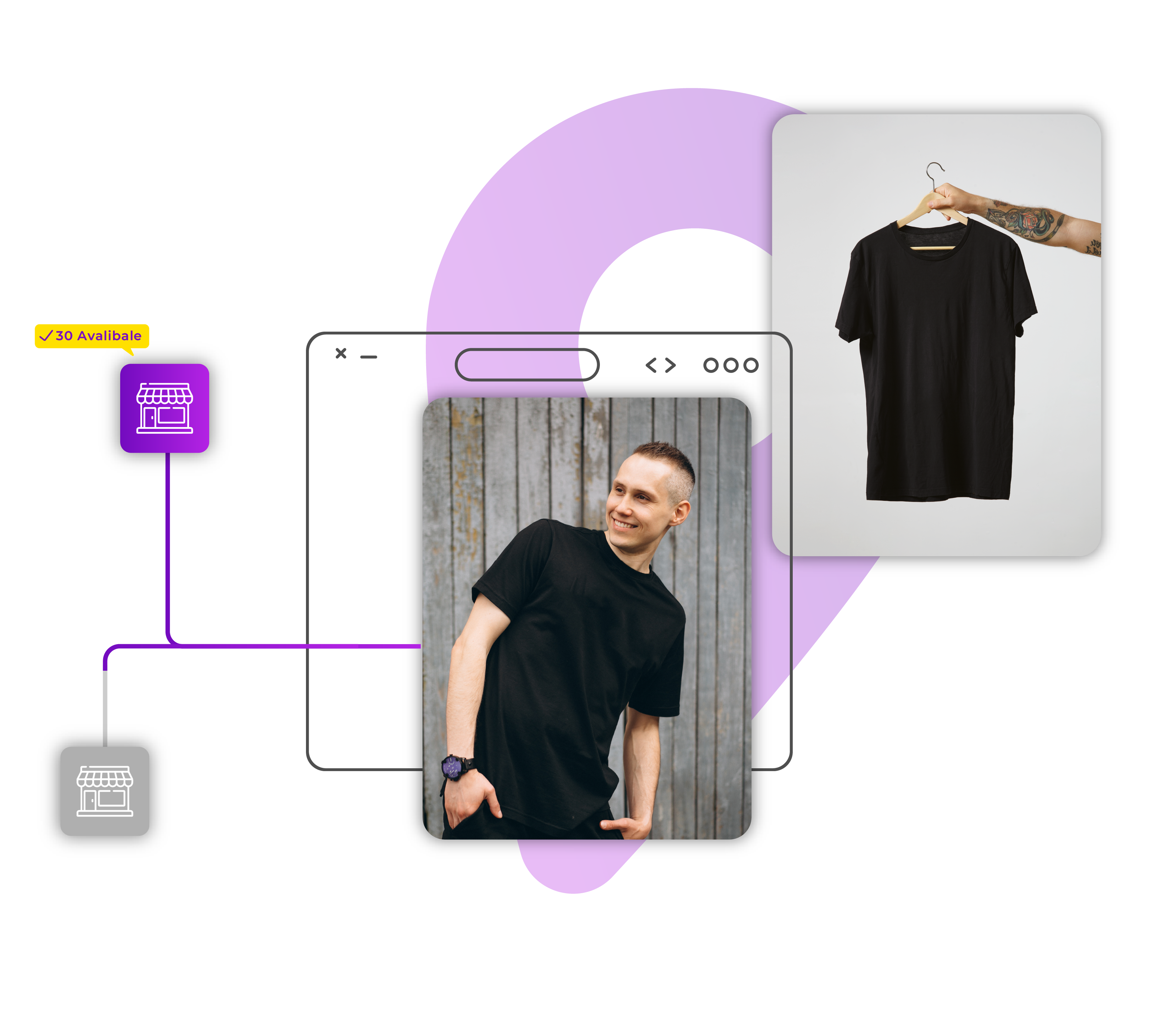
How MultiLoca shows real-time stock by location
Shopify inventory by location on your product pages
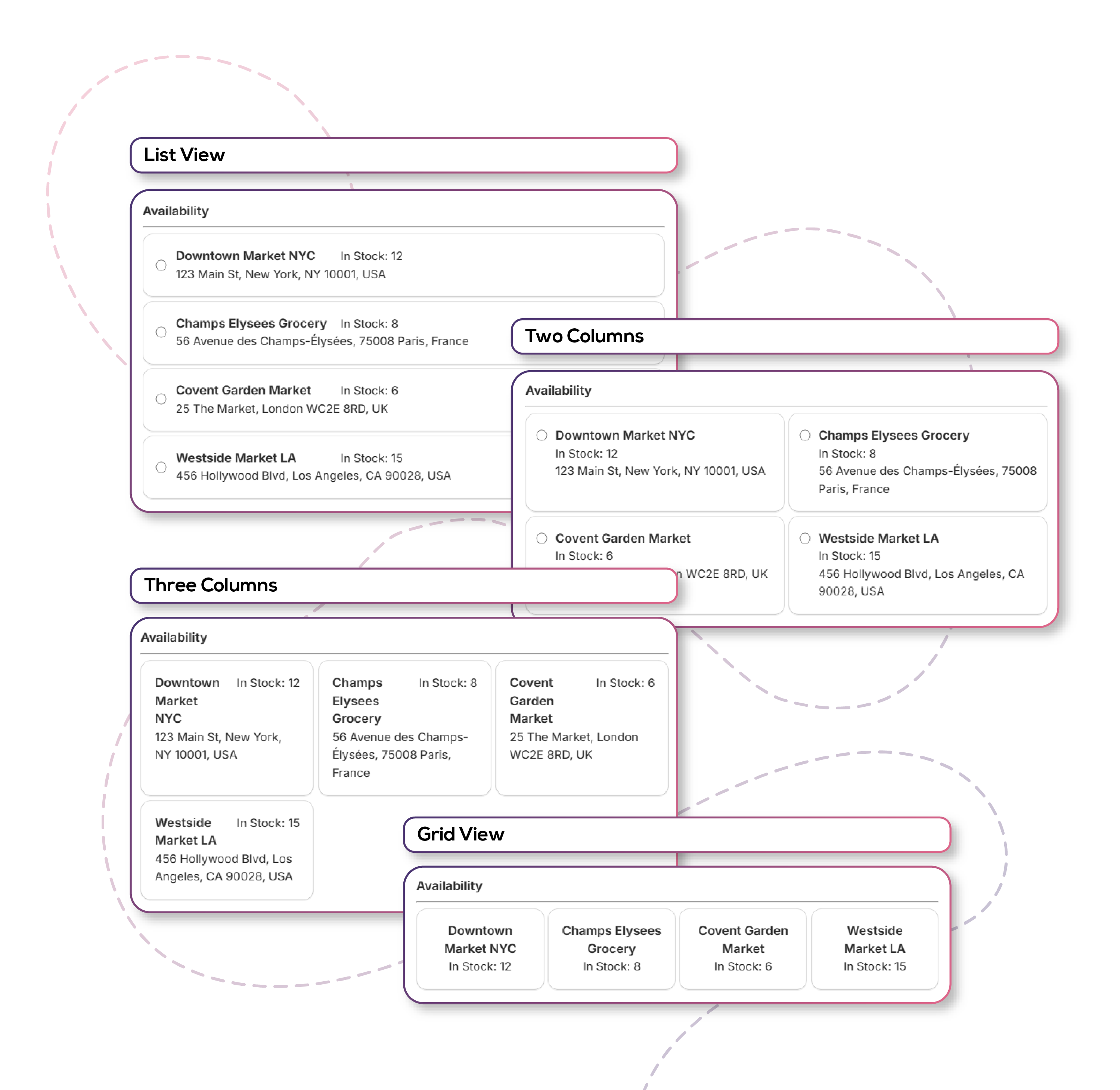
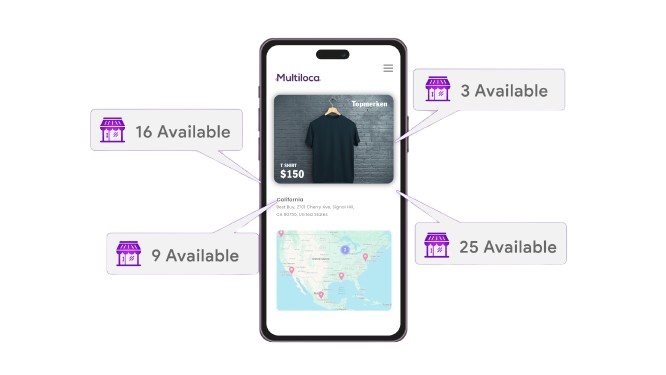
MultiLoca reads Shopify location inventory and displays in stock, low stock, out of stock, and incoming quantities per location—without theme code on Online Store 2.0.
- Basic: Location stock on product pages, 10 widget layouts, pickup details, low-stock thresholds
- Plus: Distance, store locator map, metafields, auto-tags for location collections
- Pro: Preferred store selection, geolocation search, order routing support
- Premium: Rules by market/radius, collection-page stock, back-in-stock alerts
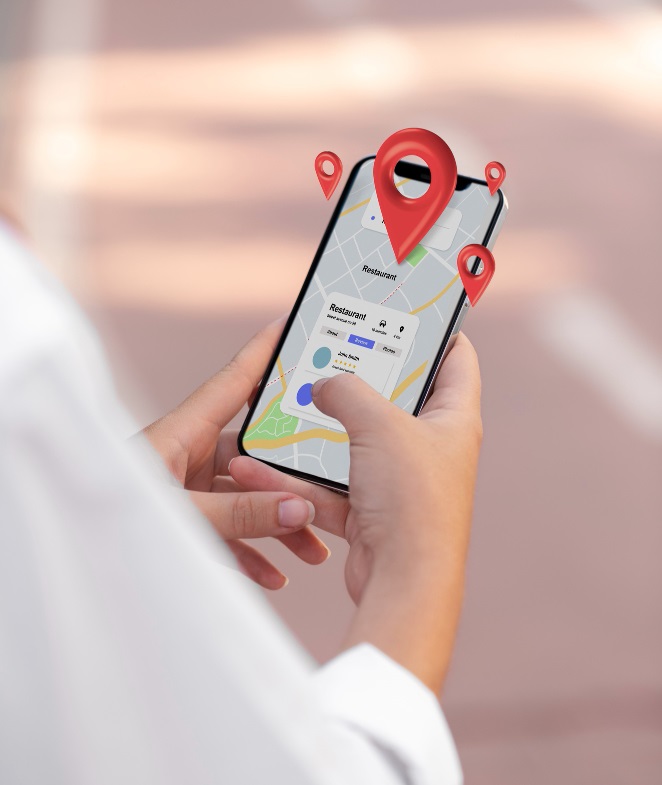
Nearest store stock with geolocation
Help shoppers find the closest location with inventory
On Pro and higher plans, customers can use geolocation search to surface nearby stores with available stock—subject to browser location permission.
Local pickup stock availability
Fewer failed pickups and abandoned carts
Show pickup notes, phone, and per-location availability so customers choose a store that can actually fulfill the order. Configure local pickup in Shopify Locations and display status in the widget.
See also: Shopify local pickup inventory.
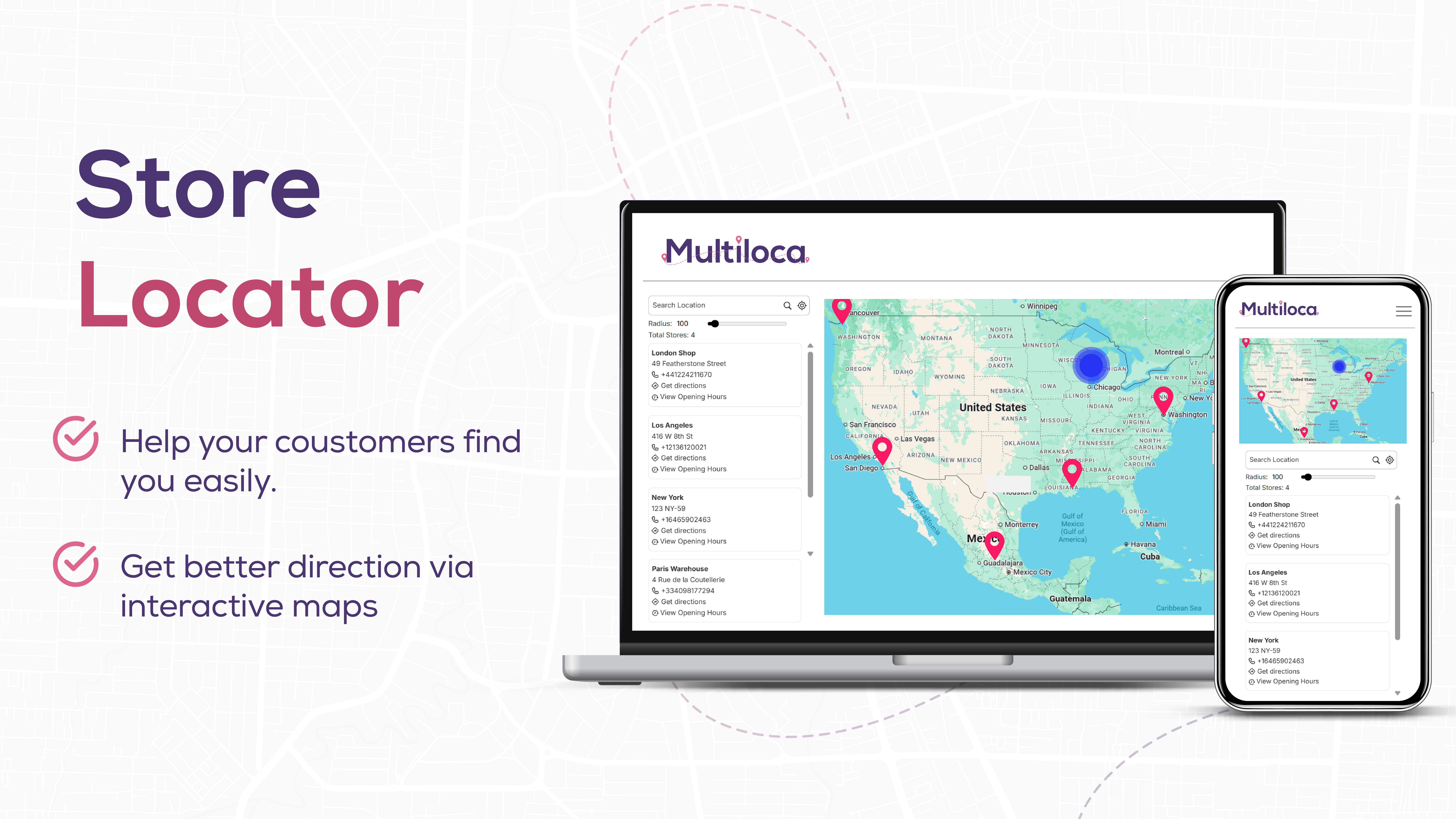
Store locator with live inventory
Maps, hours, and directions (Plus)
Combine a Google Map store locator with stock status so customers can visit the right branch. Learn more on our store locator with inventory page.
Set up in minutes (no coding)
From install to live product page
- Install MultiLoca from the Shopify App Store.
- Sync your Shopify Locations in the app dashboard.
- Enable the app embed in Online Store → Themes → Customize.
- Add the MultiLoca app block to your product template.
- Configure labels, layouts, hide/sort rules, and pickup text.
- Test on desktop and mobile with multiple variants.
For a full walkthrough, read our show stock availability by store guide.
Who benefits from store-level stock on product pages?
Retail chains, fashion and footwear, furniture, electronics, garden and home, specialty retail, and any merchant running BOPIS or multi-warehouse fulfillment.
- Retail chains: drive visits to the branch that has the SKU
- Fashion / footwear: size and color availability by store
- Furniture: warehouse vs showroom stock for pickup
- Multi-warehouse: set delivery expectations early
Frequently Asked Questions
Show Shopify stock by location
Ready to Transform Your Multi-Location Store?
Join thousands of merchants who are already using Multilocation Stock Info to boost their sales and customer satisfaction.